
01
Web standards, in-engine
Build interfaces with HTML, CSS and JavaScript. Layout, typography and animation follow the browser behaviors your team already knows.
UI middleware for games
Build with HTML, CSS and JavaScript. Aperture UI turns your interface into draw calls your engine renders, with no window or swap chain to manage.
Free for titles under $100k in revenueView licensing
01 / Pipeline
Markup in. Native draw calls out.
function Hud() { return ( <section className="mission"> <Shield value={health} /> </section> )}02 / Why Aperture
A better way to build game UI
Aperture brings web interfaces into your engine without taking ownership of your rendering loop.
Build interfaces with HTML, CSS and JavaScript. Layout, typography and animation follow the browser behaviors your team already knows.
Aperture turns the page into GPU draw commands. Your renderer owns the window, swap chain and final frame.
Inspect live UI with Chrome DevTools, then iterate in the same files your web team already ships.
Use the C++ SDK, start with Unreal or O3DE integrations, or connect the renderer to your own engine.
03 / Showcase
Captured in Aperture UI
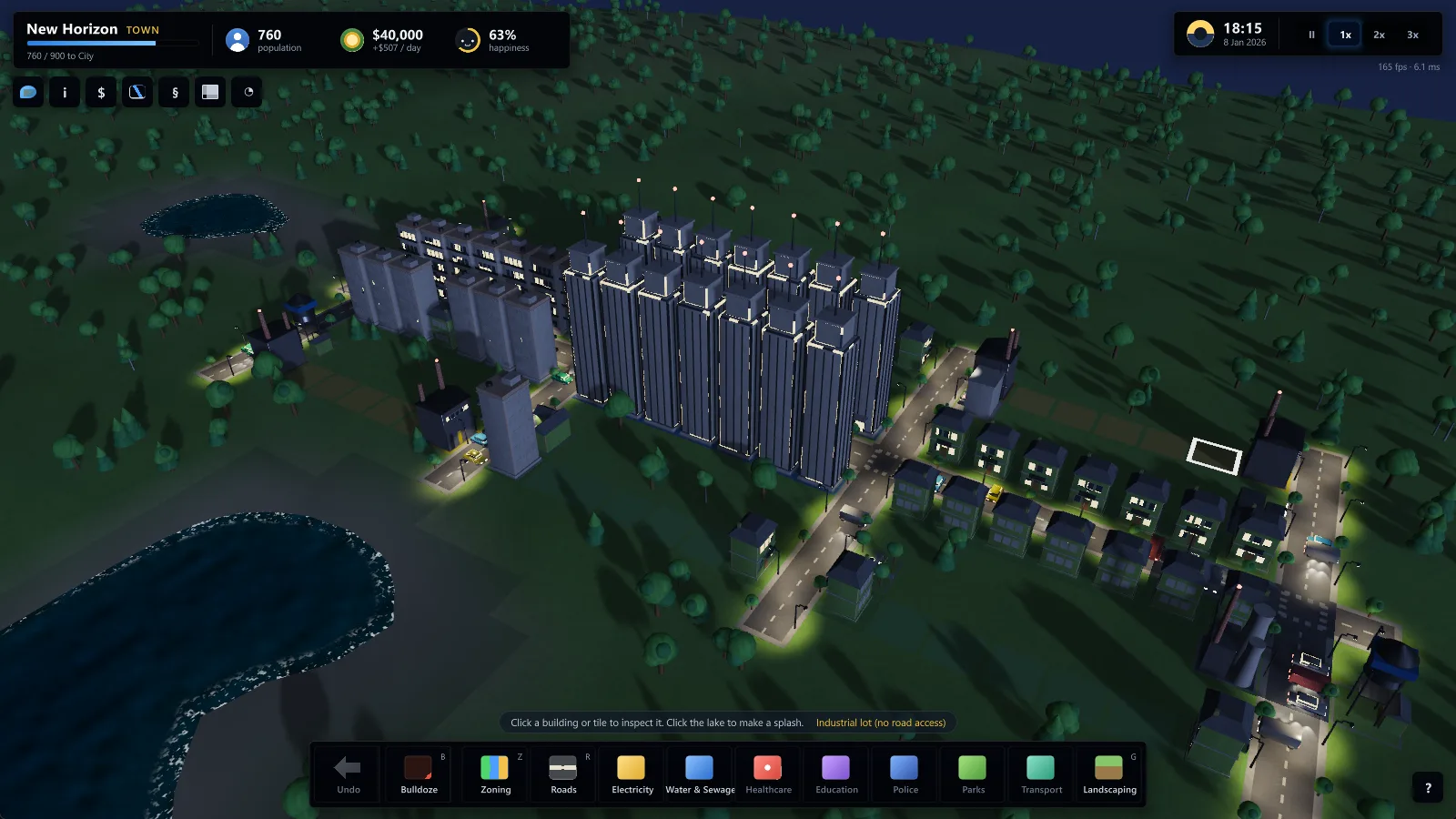
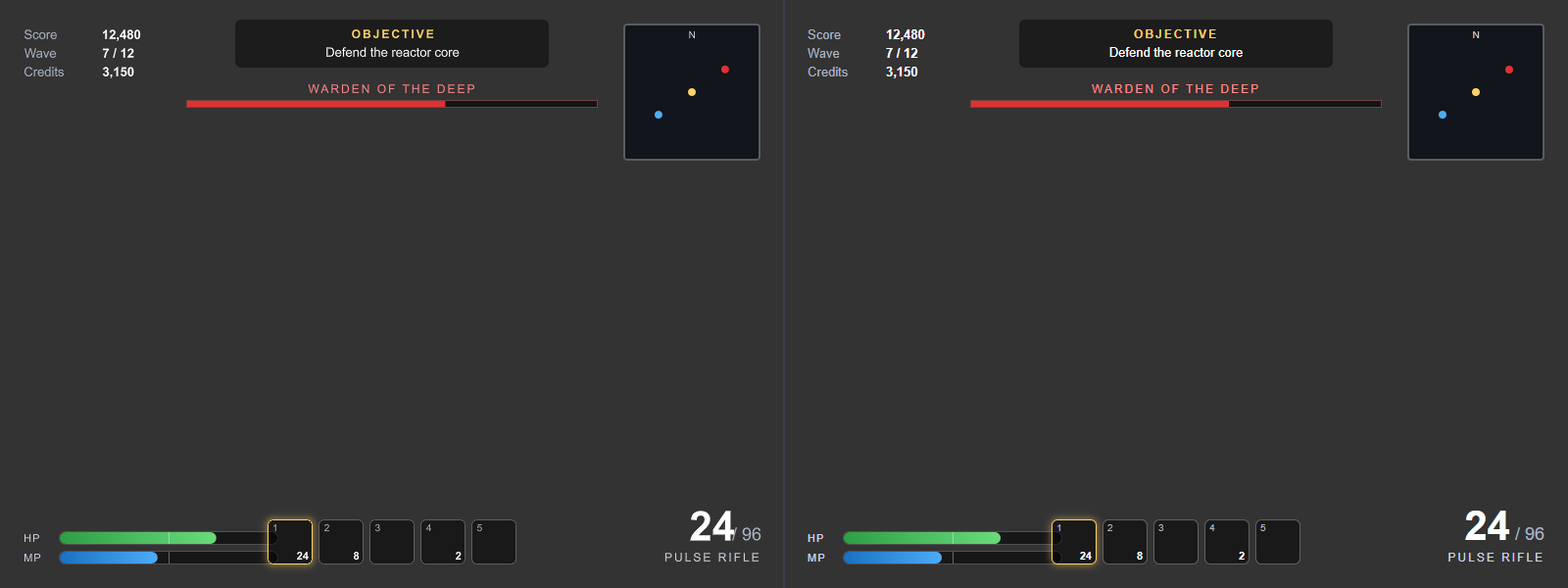
rw-game-hud-overlay.Captured 2026-10-03 on AMD Ryzen 7 5800X 8-Core Processor / AMD Radeon RX 9060 XT.Start building
Get the SDK, create an organization and register your first title.
Open the developer portal